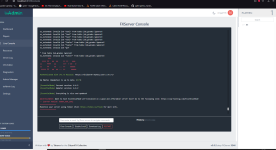
Respown
Gold Elite
What?
'txAdmin' is a tool that has all the features to help you remotely manage and monitor your server, which is fully operational with the 2401 Artifact version.
What Does It Do?
The player list that is not shown on the 'CMD' screen on your server, allows you to ban the players you need to ban in the game or on the cmd screen, to access server.cfg directly, to reach cmd directly, to keep logs of the actions of the admins, etc. It is a tool that can be used for many operations.
How to Install?
- First of all, you need to go to
- Then click 'FXServer.exe' in your server files and run it.


- It will automatically open the address named '
- When you open 'FXServer' for the first time, the part of your PIN will be written automatically. If not, access the PIN Master Account in FXServer's cmd

- After you say Connection Account, it will be thrown into the size setup, and Yes, you can use a customer service to allow.

- Before coming to the setup screen, it will ask you to log in with your cfx.re account. If you do not have your account, you will be able to create your account easily. From the register section - Fast forward by saying NEXT and rename the server name or whatever you like.

- It asks you where your server's server.cfg is, you find it and throw it away.
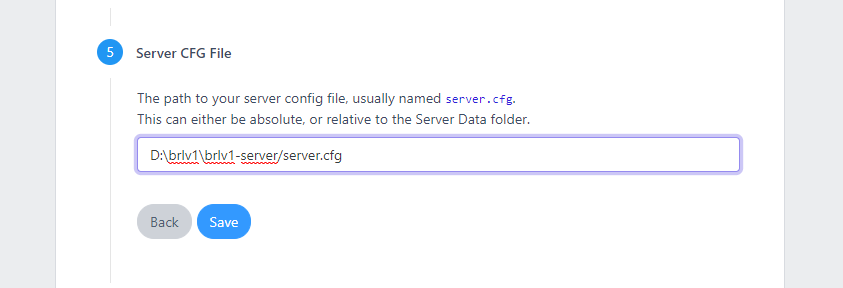
- The installation ends here and you continue by saying Save&Start Server.
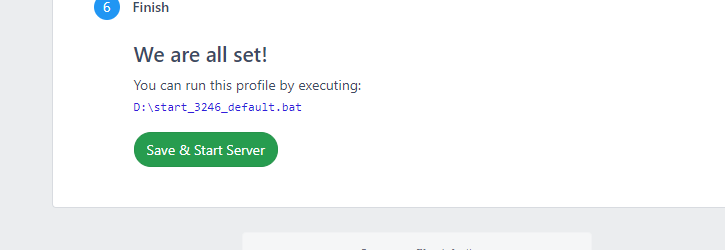
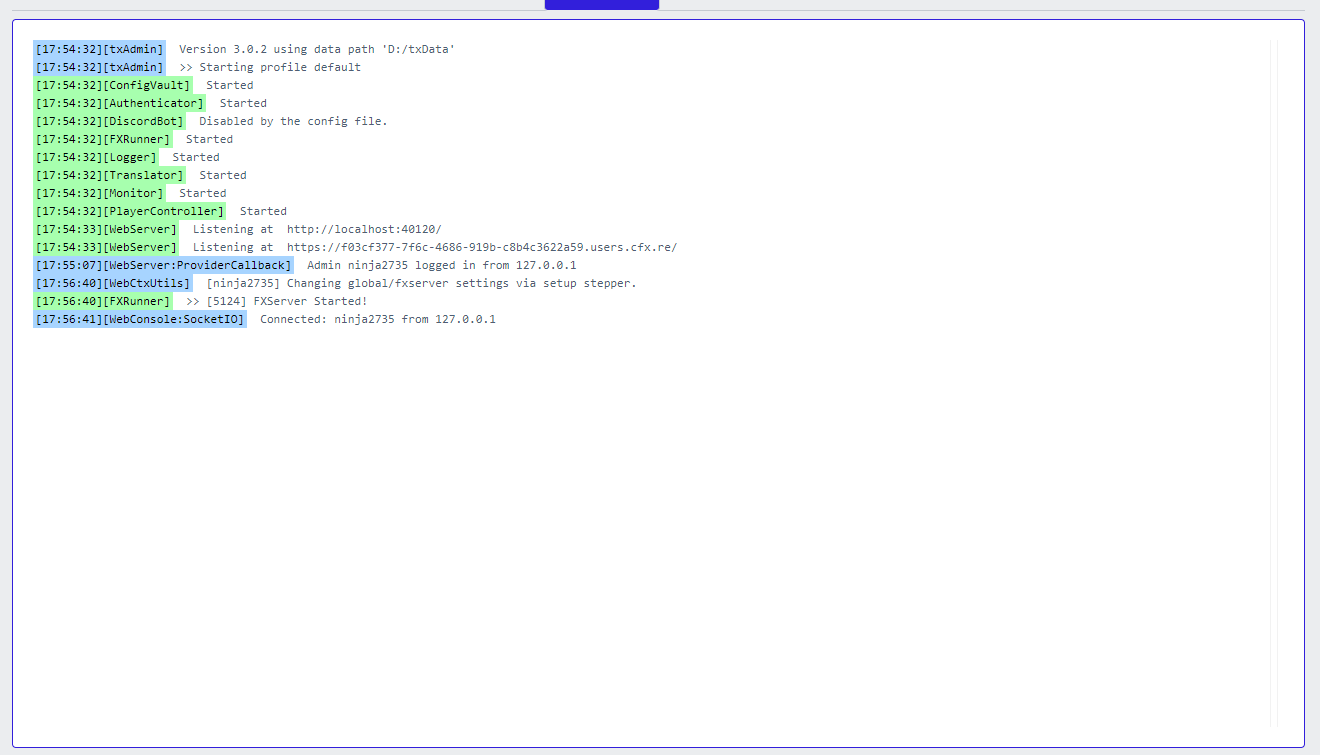
- It will take us to such a screen, and this is where your server's CMD screen is mirrored, from where you will be able to use cmd commands comfortably.

- In the PLAYERS section on the right, there is a panel showing the players actively playing in your server, and I wanted to enter the game and show it to you.
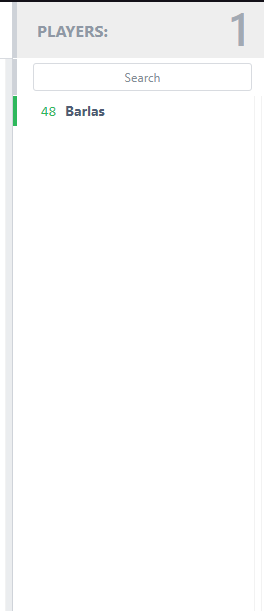
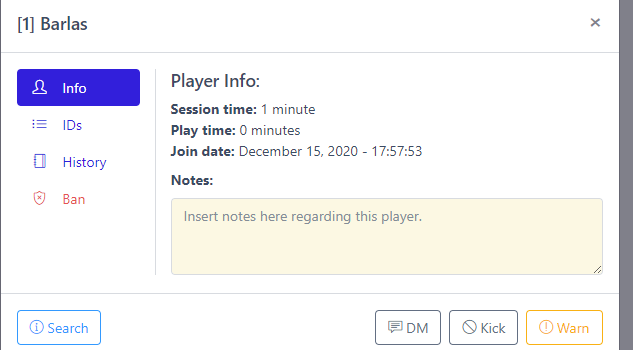
- When you click on the player you want, you can easily access the player's information and even take action.
- When you come to the 'CFG EDITOR' section on the left, it will take you to a panel where your server.cfg is located, and you can process as you wish.

- In the TXAdmin Log section, the admin logs are kept and the ip of the players entering the server, etc. There is a panel that appears.
- You can adjust your server's settings in the 'Dashboard' section on the left.

- There are many panels where you can start, shut down, and restart your server comfortably.

'txAdmin' is a tool that has all the features to help you remotely manage and monitor your server, which is fully operational with the 2401 Artifact version.
What Does It Do?
The player list that is not shown on the 'CMD' screen on your server, allows you to ban the players you need to ban in the game or on the cmd screen, to access server.cfg directly, to reach cmd directly, to keep logs of the actions of the admins, etc. It is a tool that can be used for many operations.
How to Install?
- First of all, you need to go to
Hidden link for visitors, to see
Log in or register now.
, download a version higher than 2401 and update the server files.- Then click 'FXServer.exe' in your server files and run it.
- It will automatically open the address named '
Hidden link for visitors, to see
Log in or register now.
' on your website. If you don't open it, you can reach it directly from '
Hidden link for visitors, to see
Log in or register now.
'.- When you open 'FXServer' for the first time, the part of your PIN will be written automatically. If not, access the PIN Master Account in FXServer's cmd
- After you say Connection Account, it will be thrown into the size setup, and Yes, you can use a customer service to allow.
- Before coming to the setup screen, it will ask you to log in with your cfx.re account. If you do not have your account, you will be able to create your account easily. From the register section - Fast forward by saying NEXT and rename the server name or whatever you like.
- It asks you where your server's server.cfg is, you find it and throw it away.
- The installation ends here and you continue by saying Save&Start Server.
- It will take us to such a screen, and this is where your server's CMD screen is mirrored, from where you will be able to use cmd commands comfortably.
- In the PLAYERS section on the right, there is a panel showing the players actively playing in your server, and I wanted to enter the game and show it to you.
- When you click on the player you want, you can easily access the player's information and even take action.
- When you come to the 'CFG EDITOR' section on the left, it will take you to a panel where your server.cfg is located, and you can process as you wish.
- In the TXAdmin Log section, the admin logs are kept and the ip of the players entering the server, etc. There is a panel that appears.
- You can adjust your server's settings in the 'Dashboard' section on the left.
- There are many panels where you can start, shut down, and restart your server comfortably.