


ASH8777aa
Bronze Elite
Put your server’s name in the sky, build a logo formation for a business opening, or finish a car meet with a drone light show.
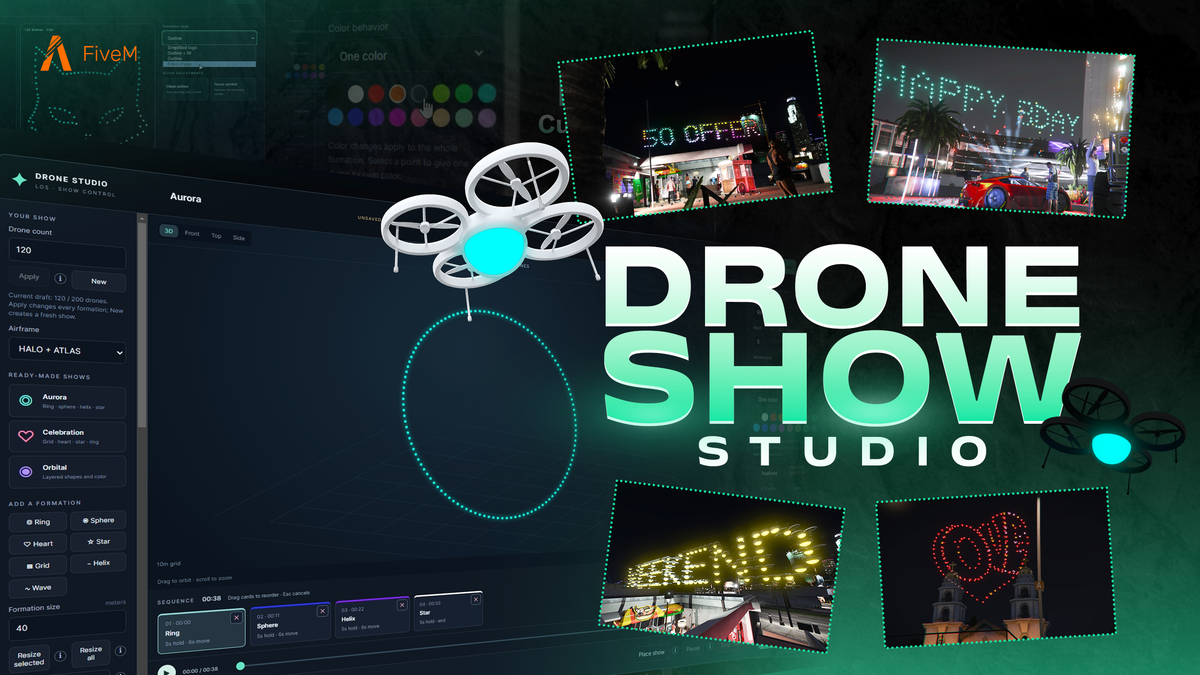
AshRigs Drone Studio is an in-game show creator for FiveM. Build formations from text, images and preset shapes, arrange their colours and timing, then place the sequence above your event.
Use 3D, front, top and side views to adjust individual points and light colours. Resize formations, change spacing, drag formations into a different order and undo edits.
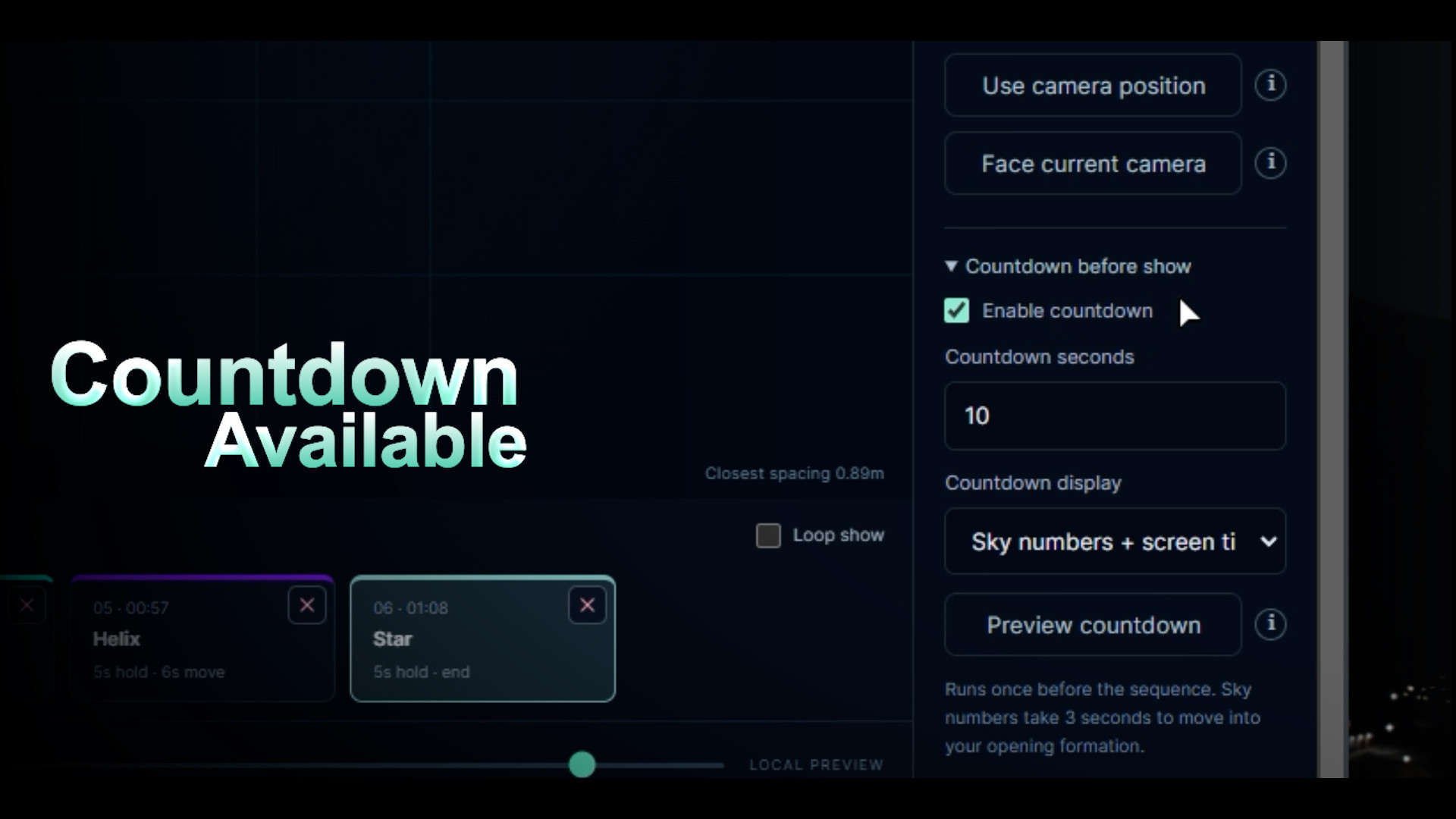
Place the show in the world, adjust its height and rotation, and add a countdown in the sky, on screen or both. Playback controls include start, pause, resume, stop and loop.
Save sequences to the shared library, or use JSON import/export to reuse them.
The package includes the editor, HALO and ATLAS models, animation assets, motor audio, starter shows and setup guides. Core Lua is protected with
There is one shared active show and shared library. Approved operators share playback and saved-show control. Sky countdowns require at least 42 drones. Simple, high-contrast artwork works best within the drone limit; static SVG text and effects may need conversion to paths or flattening.
Vehicles and locations shown in the media are for demonstration and are not included.
AshRigs Drone Studio is an in-game show creator for FiveM. Build formations from text, images and preset shapes, arrange their colours and timing, then place the sequence above your event.
Video showcase
Create your formations
- Up to 200 drones using HALO, ATLAS or a mixed fleet.
- Custom text using supported letters, numbers and punctuation.
- Import PNG, JPEG, WebP and compatible static SVG artwork.
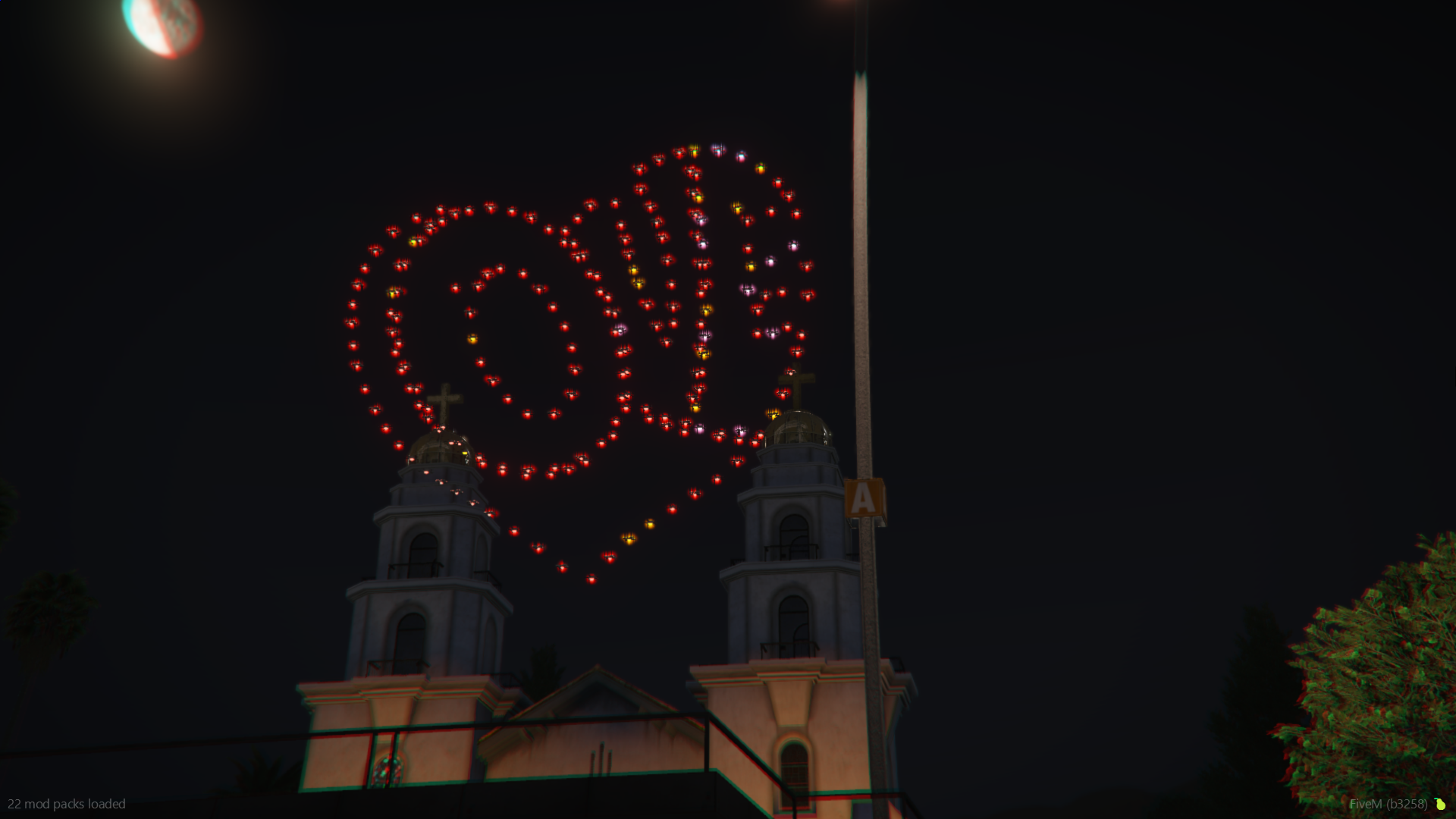
- Seven shape presets: ring, sphere, heart, star, grid, helix and wave.
- Three starter shows: Aurora, Celebration and Orbital.
Preview and edit
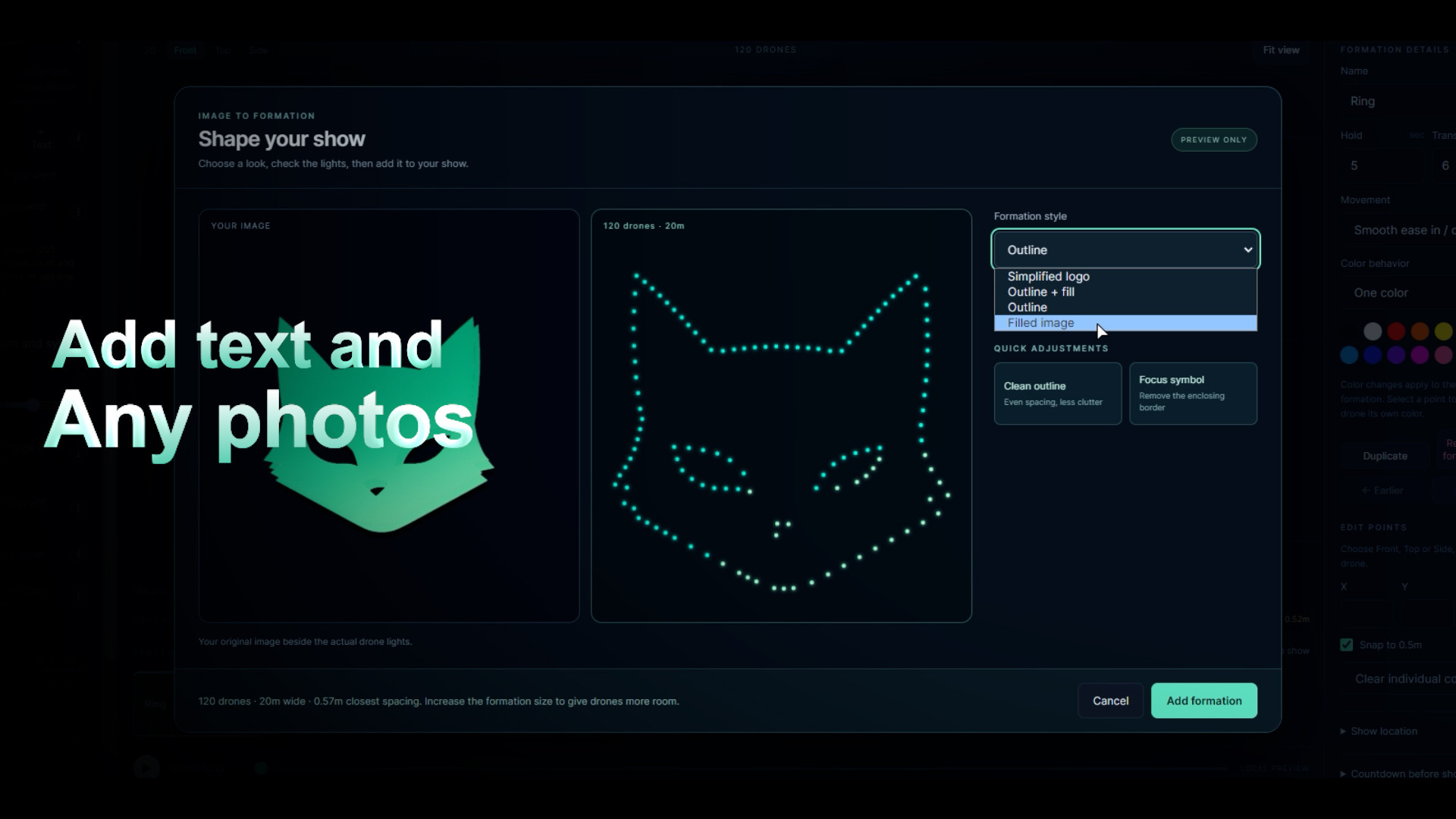
Preview an image before adding it to the show. Choose Simplified logo, Outline, Filled image or Outline + fill, then refine the result with image-part selection and drone-allocation controls.Use 3D, front, top and side views to adjust individual points and light colours. Resize formations, change spacing, drag formations into a different order and undo edits.
Build and run your show
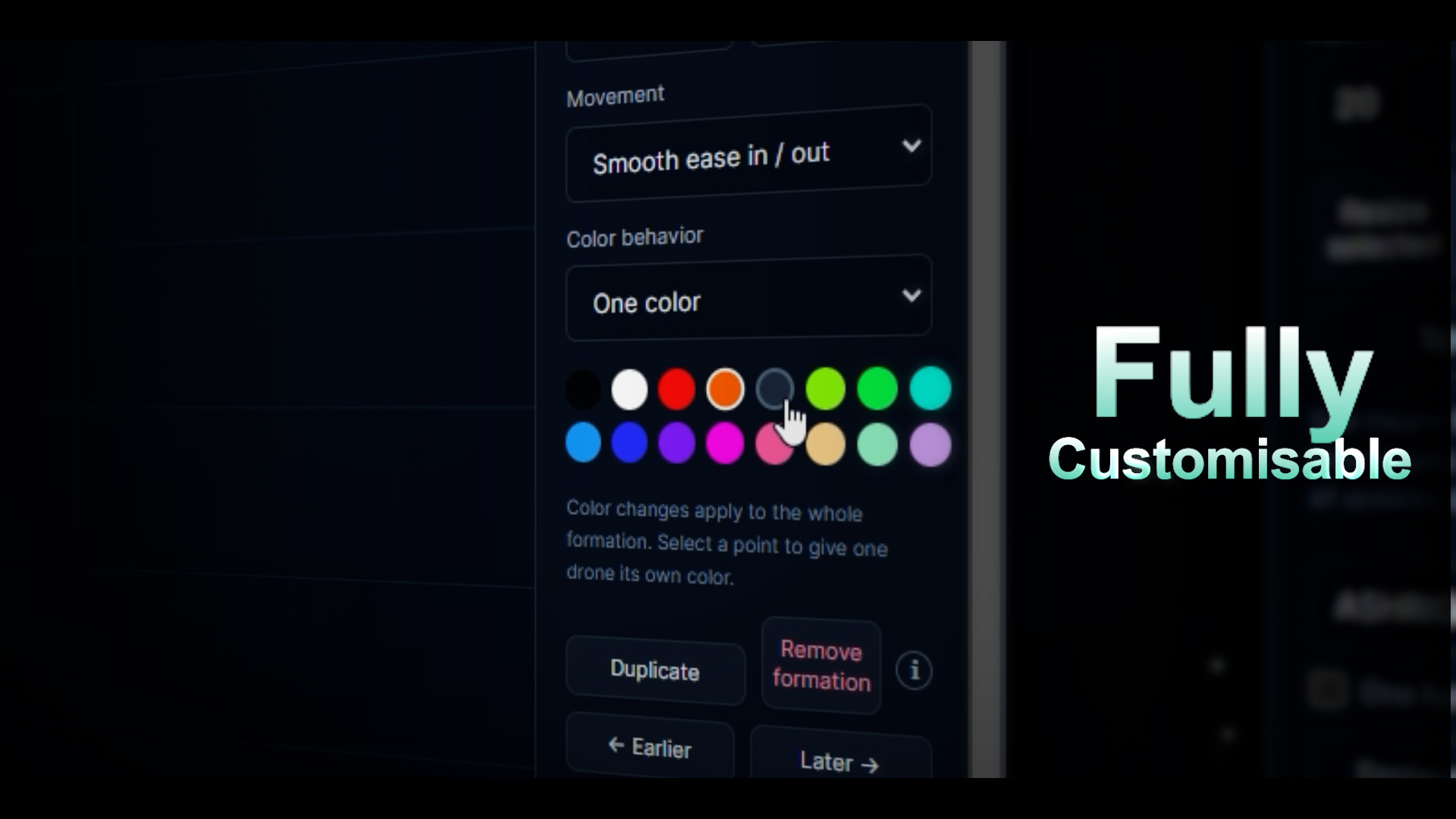
Arrange up to 16 formations with configurable hold and transition times. Choose smooth or linear movement and solid, rainbow, split or reveal colour modes.Place the show in the world, adjust its height and rotation, and add a countdown in the sky, on screen or both. Playback controls include start, pause, resume, stop and loop.
Save sequences to the shared library, or use JSON import/export to reuse them.
Screenshots
Compatibility and access
The resource runs standalone, with no framework or SQL import required. Optional ESX and QBCore integrations provide operator access through framework groups and job, grade and duty settings. Owner identifiers and ACE permissions are configurable.The package includes the editor, HALO and ATLAS models, animation assets, motor audio, starter shows and setup guides. Core Lua is protected with
Hidden link for visitors, to see
Log in or register now.
Asset Escrow; config.lua and server_config.lua remain editable.There is one shared active show and shared library. Approved operators share playback and saved-show control. Sky countdowns require at least 42 drones. Simple, high-contrast artwork works best within the drone limit; static SVG text and effects may need conversion to paths or flattening.
Vehicles and locations shown in the media are for demonstration and are not included.
Purchase and support
Hidden link for visitors, to see
Log in or register now.
:
Hidden link for visitors, to see
Log in or register now.