nyrox01
Gold Elite
- Joined
- Dec 14, 2025
- Messages
- 32
- Reaction score
- 138
- Points
- 196
- Location
- Morocco
- Website
- roxdev.tebex.io
and beginners. Instead of grabbing coords from the F8 console or tabbing out constantly, you can
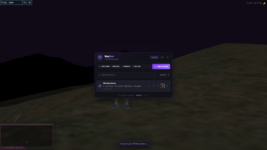
capture, save, and manage positions directly in-game from a clean UI.
This tool helped me a lot personally while building scripts and setting up server locations.
I think it will do the same for anyone working on a FiveM server.
 Features
-
 Capture your current X/Y/Z/Heading in one click
-
 Save coords with a custom name, stored in the database per Discord account
-
 Rename, delete, or update any saved coord to your current position
-
 Copy in multiple formats: vector4, vector3, table, raw
-
 Teleport directly to any saved coord from the menu
-
 Search through your saved list instantly
-
 Open via command (/coords) or a rebindable key (default F7)
-
 Works with QB-Core, ESX, and Standalone auto-detected Configuration
Everything is in config.lua no other file needs to be touched.
Add your Discord ID to the whitelist, choose your framework or leave it on auto,
set your command and keybind, pick your default copy format (vector4, vector3, table, raw),
and enable or disable teleport.
 Requirements
- oxmysql
 Download
Free version (escrowed):
Hidden link for visitors, to see
Log in or register now.
 Full Source Code
If you want every file unlocked with no escrow: